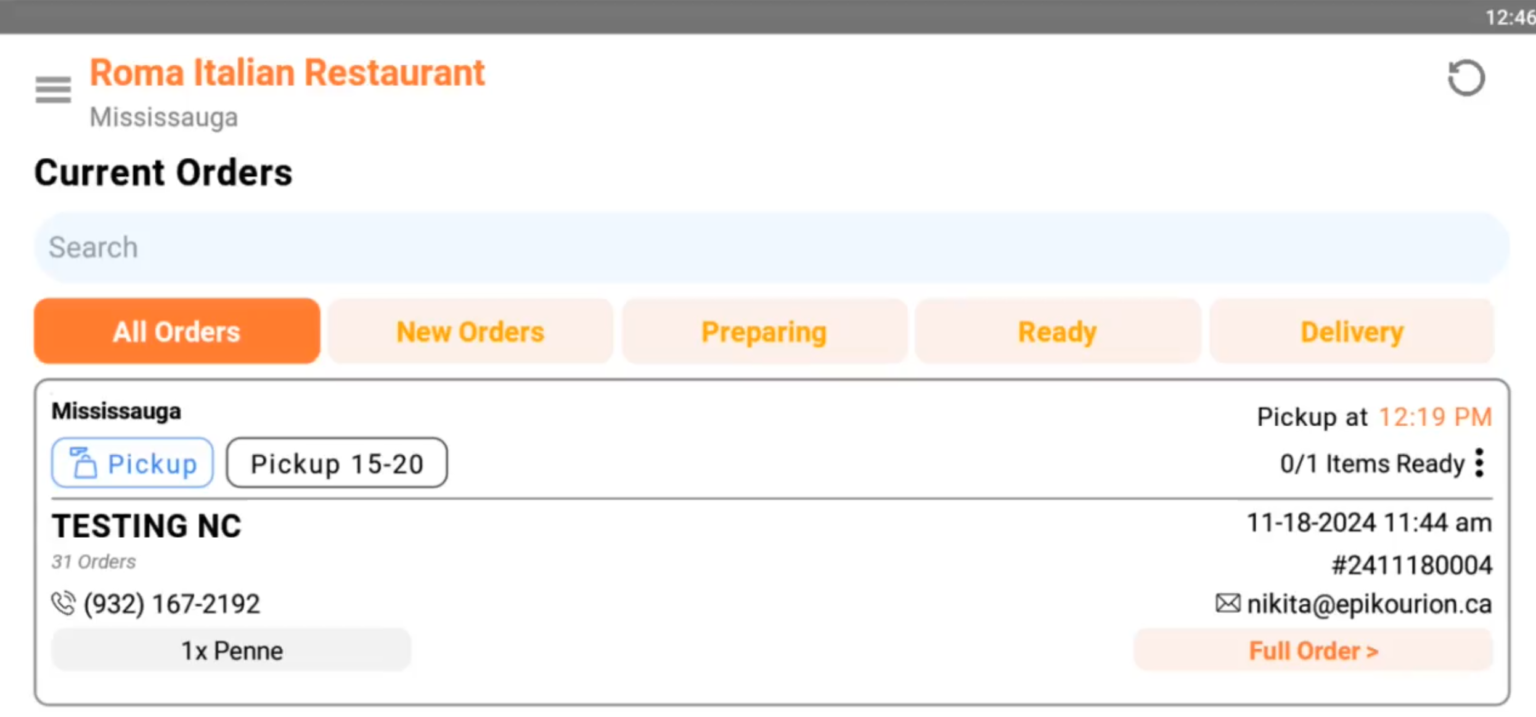
Follow these steps in order to diagnose and resolve common printer issues.
a) Printer is correctly connected to the Router — Printout go to STEP 3.
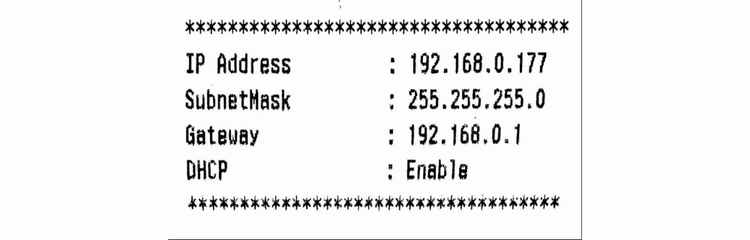
b) Failed to Connect to the Router — Printout go to STEP 2.
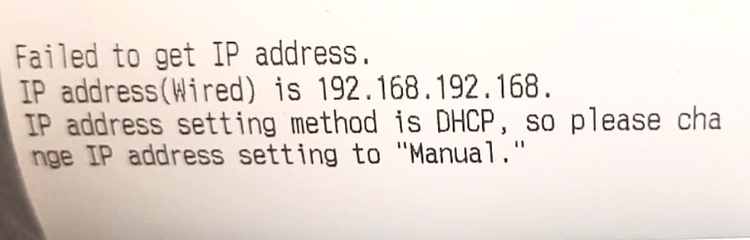
a) Check the Ethernet Cable is plugged into the back of the Printer. Check for cracks on the Ethernet cable (If the cable runs on the floor we have seen wear and tear that has cut the wires inside the cable). Please replace.
If the cables are good go to STEP 3.
a) Using any device that is connected to the same router via wifi or ethernet (ie Phone, Tablet or Computer) open a browser and go to any website. If nothing displays then it's an internet connectivity issue. Try restarting your router. Failing this contact your Internet Service Provider.
If the Internet is working then go to STEP 4.
a) Turn the printer off.
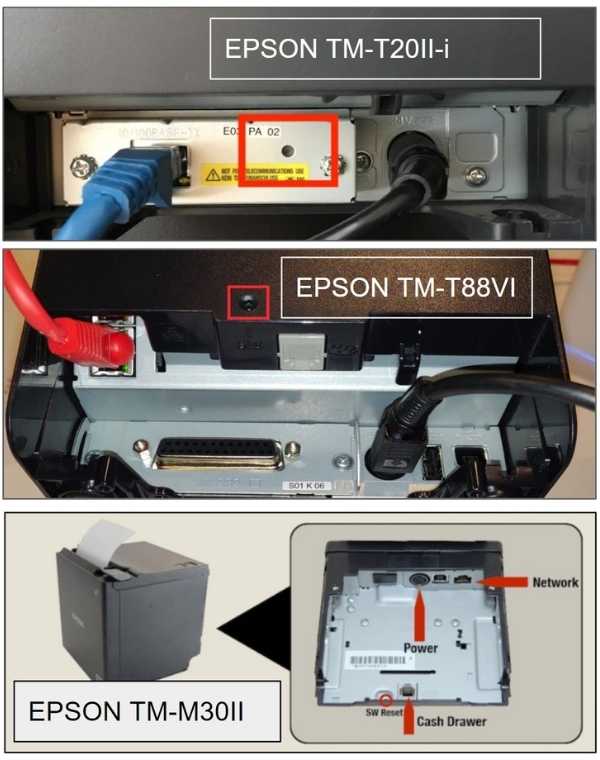
b) Use a paper clip or the tip of a pen, press and hold the reset on the back of the printer.
c) While holding the reset button, turn the printer on.
After 5 seconds, a long receipt will print.
Immediately let go of the reset button and wait for the printout similar to STEP 1, a).
If successful then customer receipts should print now.
If this doesn't resolve then go to STEP 5.
If any of these steps fail to resolve the print issue, please post in your WhatsApp Support chat.
Contact SupportEffortlessly manage your restaurant operations with the Manager App! This powerful tool streamlines tasks and keeps everything running smoothly.
Track, update, and manage orders in real-time.
Assign tasks and communicate seamlessly with your team.
Keep an eye on stock levels and get notified about low inventory.
Access detailed reports to monitor your restaurant's performance.